
It’s been roughly a year since I started building production Salesforce applications with AI-assisted development. What began with two intense client projects last December — a trade program management system and custom quote-to-cash functionality, built under deadline pressure that left no room for experimentation on principle — has become the way I work.
But “the way I work” looks meaningfully different from what I expected twelve months ago. Some things I was excited about turned out to be less useful than I thought. Some things I barely noticed at first turned out to be transformative. And a few things I got wrong in ways I’m only now able to articulate.
This is the retrospective I wish I could have read a year ago.
What Stuck: The Approaches That Became Permanent
Sharing raw materials instead of crafting prompts. This was the first insight I wrote about, and it’s held up completely. If anything, I’ve become more aggressive about it. I rarely write prompts longer than a sentence or two. I paste errors, share screenshots, drop in log files, and let the AI do the diagnostic work. Across every project this year, the pattern has been consistent: the less I try to pre-diagnose, the better the results.
What’s evolved is my understanding of why. Early on, I framed it as “AI is better at diagnosis than you are at description.” That’s true, but incomplete. The deeper insight is that crafting a detailed prompt often smuggles in assumptions — your theory about what’s wrong — and those assumptions constrain the AI’s solution space. When you share the raw error, you’re not just being efficient. You’re avoiding the trap of leading the witness.
Live wireframing for UI work. This remains the capability that impresses clients the most, and the one I use the most frequently. The ability to iterate through multiple UI versions in a single session has changed how I scope UI work entirely. I no longer estimate “design + build + revision cycles” as separate line items. It’s one fluid process, and it’s faster than the old design phase alone used to be.
The refinement: I’ve learned to start ugly on purpose. My first prompt for any UI component is deliberately vague — “build me a component that shows X data with Y interaction.” Then I iterate from there. Starting with a detailed specification actually slows things down because the AI over-commits to the initial structure and subsequent changes require more rework.
Treating AI like a colleague, not a tool. This is the hardest one to explain, but it might be the most important. The interactions that produce the best code feel like conversations with a smart but inexperienced junior developer. I give context the way I’d give context to a person: “Here’s what we’re trying to do. Here’s why. Here’s what the user expects.” When the AI asks clarifying questions — and it does, regularly — I answer them the way I’d answer a person.
The day I stopped thinking of prompts as “commands to a machine” and started thinking of them as “explanations to a colleague” was the day the quality of output jumped noticeably.
What I’d Skip: The Dead Ends
Trying to get AI to write comprehensive test classes from scratch. Early on, I spent real time trying to get AI to generate full test coverage in one pass. It would produce syntactically correct test classes with good structure — but the test data rarely matched real-world scenarios, the assertions were surface-level, and the coverage missed the edge cases that actually matter.
What works better: write the production code with AI, then collaborate on tests iteratively. “Here’s the class. What scenarios should we test?” gets you a good list. Then you build each test together, one at a time, with the AI seeing the actual code paths and your knowledge of which edge cases are real versus theoretical.
Over-relying on AI for data model decisions. The AI will propose a data model if you ask. It’ll look clean and normalized and textbook-correct. And it’ll often be wrong for Salesforce specifically — too many relationships, unnecessary junction objects, fields that should be formulas designed as stored values.
I learned to bring my data model decisions to the AI as givens, not as questions. “Here’s the object model. Build on top of this.” The AI excels at working within constraints. It’s less reliable at setting the constraints in the first place, at least for a platform with as many specific opinions as Salesforce.
Expecting AI to maintain long-term project context. Context windows have limits. Across both of those December projects, I burned real time re-explaining architecture, re-sharing object relationships, re-establishing decisions we’d already made. Each new session started with a knowledge deficit that I had to fill.
What I do now: I maintain a living document — a project brief that I share at the start of each session. It has the data model, the key design decisions, the business rules, and the known platform constraints. Thirty seconds of context-loading at the start of a session saves ten minutes of confusion in the middle.
What I Got Wrong: Revised Opinions
I underestimated how much time code review would take. In my early enthusiasm, I described the workflow as “the AI writes the code, I review and deploy.” That framing undersold the review step dramatically. Code review in an AI-assisted workflow is where the real work happens — it’s where you catch the platform quirks the AI doesn’t know, prune the defensive over-engineering, and ensure the architecture makes sense as a whole rather than as isolated methods.
On the December projects, I’d estimate code review and refinement consumed 40% of my active working time. That’s not a failure of the technology — it’s the reality of working with a brilliant but inexperienced partner. The net outcome is still dramatically faster than writing everything from scratch. But the productivity gains aren’t as magical as “describe what you want and deploy” might suggest.
I overestimated how quickly AI would improve on platform specifics. I assumed that by now, AI would have better knowledge of Salesforce-specific behaviors — the percent field gotchas, the governor limits, the formula field quirks. It’s gotten somewhat better, but the fundamental gap remains. AI still doesn’t “know” Salesforce the way a platform veteran does. It knows about Salesforce, which is a different thing.
I didn’t expect AI to change how I think about scope. This was the pleasant surprise. Because AI makes certain things dramatically faster — UI iteration, boilerplate code, data transformation logic — I’ve started scoping projects differently. Things I would have called “nice to have” or “phase two” now fit into phase one because the build cost dropped. The trade program management system has features that a traditional engagement would have cut. The quote-to-cash functionality handles edge cases that a tighter budget would have deferred.
AI didn’t just make me faster at the same work. It changed what work was feasible.
What I Wish Someone Had Told Me
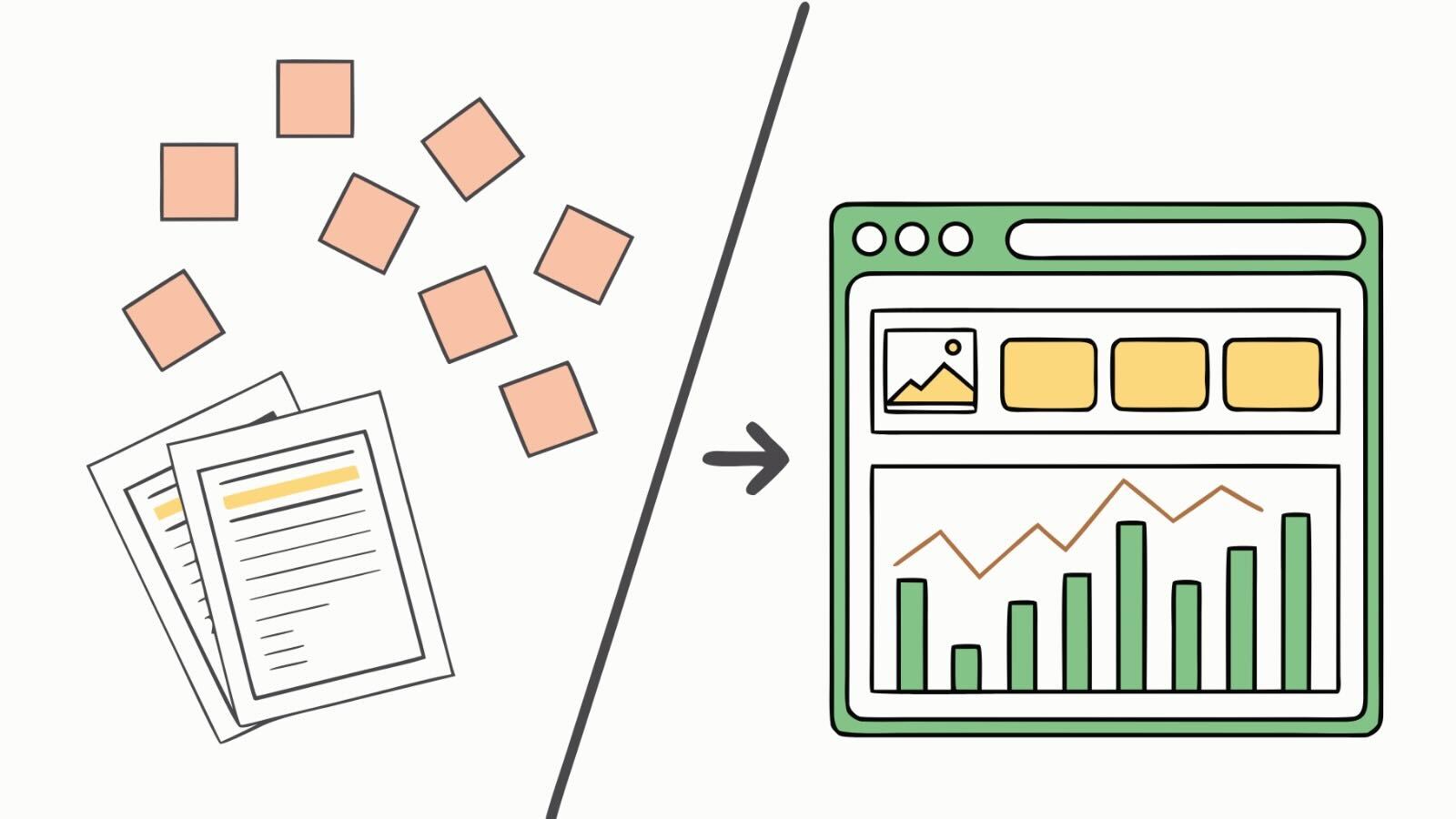
If I could go back to December and give myself one piece of advice, it would be this: the value of AI isn’t in the code it writes. It’s in the conversations you have while it writes the code.
The back-and-forth — the AI asking “should this handle partial credits?” and me realizing we hadn’t specified that, or the AI surfacing an edge case I hadn’t considered — is where the real productivity gain lives. Not in keystrokes saved, but in requirements clarified, edge cases surfaced, and design decisions made faster because you have a tireless thinking partner helping you explore the problem space.
The code is almost a side effect.
So: Should You Try This?
After a full year, here’s my honest framework for when AI-assisted Salesforce development makes sense:
Strong fit: Custom UI components, business logic implementation, data transformation, integration adapters, test coverage — anything where the requirements are knowable and the implementation is the bottleneck.
Moderate fit: Complex automations, approval processes, and workflows — the AI can build these, but the business rules still need to come from domain expertise, and the platform-specific patterns need experienced oversight.
Weak fit: Architecture decisions, data model design, security model configuration, org-wide strategy — these require too much platform-specific and organization-specific judgment for AI to lead.
The pattern: AI is strongest when the human brings the “what” and the “why,” and AI handles the “how.” The further you move toward expecting AI to determine the “what,” the more you need experienced human judgment in the loop.
I’m heading into year two with more confidence and more realistic expectations. The Grounded Build Method — share raw materials, iterate live on UI, let your expertise direct the build — has proven itself across enough projects now that it’s not just a framework I named. It’s how I work.
And I think it’s how a lot of us will work, once the hype dies down and the real patterns emerge.
Find me on LinkedIn — I’m always interested in what other builders are discovering.